
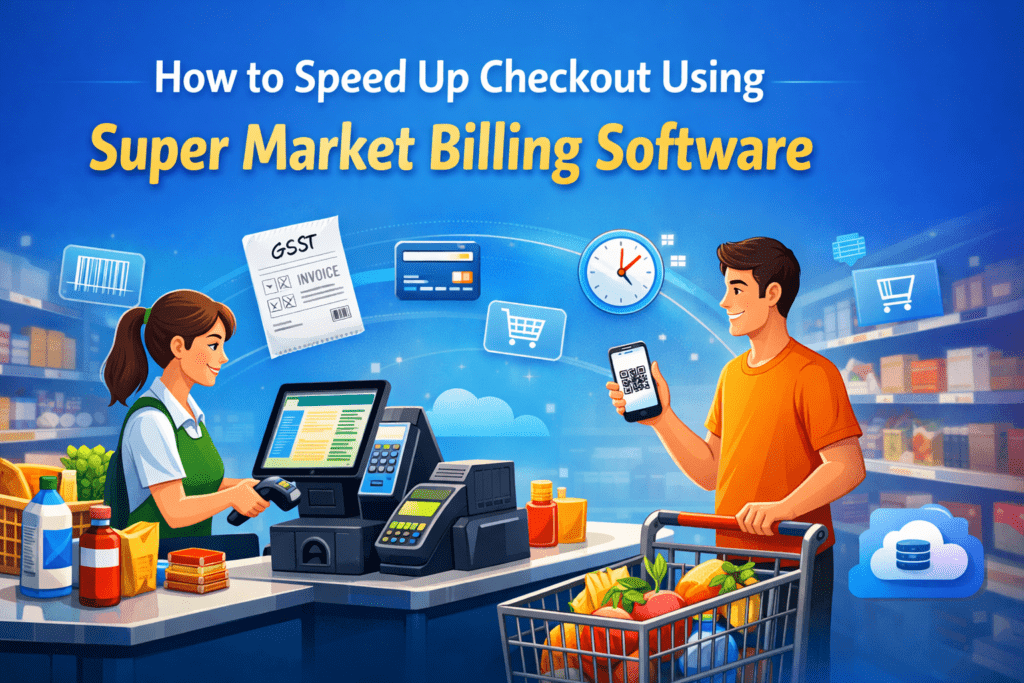
Waiting in long billing queues is one of the biggest frustrations for customers in any supermarket. Even if your store offers great products and competitive prices, slow checkout can quickly ruin the shopping experience. Many customers may even decide not to return if they repeatedly face long waiting times.
This is where Super Market Billing Software becomes a game changer. Modern supermarkets rely on smart billing systems to process transactions quickly, reduce human errors, and create a smoother checkout experience for customers. Instead of manually entering product details or calculating totals, the software automates everything within seconds.
When used correctly, Super Market Billing Software can significantly speed up checkout, improve staff efficiency, and increase customer satisfaction. In this guide, we will explore practical ways to use billing software to reduce checkout delays and improve the overall shopping experience in your supermarket.
Why Fast Checkout Matters in a Supermarket
Checkout speed directly affects customer satisfaction and sales. When customers spend too much time waiting at the counter, it creates frustration and negative impressions.
Here are a few reasons why faster billing is essential:
- Improves customer experience – People prefer stores with quick checkout.
- Increases sales – Faster billing allows more customers to complete purchases.
- Reduces abandoned carts – Customers are less likely to leave without buying.
- Boosts store reputation – Efficient service encourages repeat visits.
In busy supermarkets, even a delay of a few minutes can create long queues. With the help of Super Market Billing Software, retailers can streamline checkout operations and eliminate unnecessary delays.
What Is Super Market Billing Software?
Super Market Billing Software is a digital system designed to manage billing, inventory, and sales in retail stores. It replaces manual billing methods and allows store staff to process transactions quickly and accurately.
Most modern billing systems include features such as:
- Barcode scanning
- Automated price calculation
- GST invoice generation
- Inventory tracking
- Payment integration
- Sales reporting
Instead of typing product details manually, staff can simply scan items, and the software automatically adds them to the bill. This dramatically reduces billing time and improves efficiency.
Common Reasons for Slow Checkout in Supermarkets
Before improving checkout speed, it is important to understand what causes delays in the first place.
1. Manual Billing Processes
Many stores still rely on manual billing or outdated systems. Staff must enter product names, prices, and quantities manually, which takes time and increases the risk of mistakes.
2. Lack of Barcode Scanning
Without barcode scanners, cashiers need to search for product codes or prices in the system. This slows down billing significantly.
3. Poor Inventory Management
If the system does not update inventory automatically, staff may need to check stock manually, which interrupts the billing process.
4. Limited Payment Options
Customers often prefer digital payments. If your store only accepts cash or limited payment methods, checkout becomes slower.
5. Untrained Staff
Even the best Super Market Billing Software cannot improve checkout speed if employees do not know how to use it efficiently.
Understanding these issues helps store owners implement the right solutions.
How Super Market Billing Software Speeds Up Checkout
A well-designed billing system transforms the entire checkout experience. Let’s explore the key ways it improves speed and efficiency.
1. Barcode Scanning for Instant Billing
Barcode scanning is one of the biggest advantages of using Super Market Billing Software.
Instead of manually searching for products, the cashier simply scans the barcode and the item automatically appears on the bill.
Benefits include:
- Faster product identification
- Accurate pricing
- Reduced billing errors
- Faster customer processing
In busy supermarkets, barcode scanning can reduce checkout time by several minutes per customer.
2. Automated Price Calculation
Manual calculations can slow down checkout and increase the risk of mistakes. Billing software automatically calculates:
- Item prices
- Discounts
- Taxes (GST)
- Final total
This means the cashier does not need to perform any calculations. Everything happens instantly, which significantly speeds up the checkout process.
3. Integrated Inventory Management
Many modern Super Market Billing Software solutions include built-in inventory management.
Every time a product is sold, the system automatically updates stock levels. This eliminates the need for manual inventory checks during billing.
Advantages include:
- Real-time stock updates
- Faster checkout operations
- Better inventory accuracy
- Reduced stock confusion
This feature ensures that checkout remains smooth and uninterrupted.
4. Quick Product Search
Sometimes products may not have barcodes or may be difficult to scan. Good billing software allows staff to search products instantly by:
- Product name
- SKU code
- Category
This feature saves time and prevents delays during checkout.
5. Multiple Payment Options
Modern customers expect flexible payment options. Super Market Billing Software allows integration with multiple payment methods such as:
- Cash
- Credit cards
- Debit cards
- UPI payments
- Mobile wallets
This reduces payment delays and allows customers to pay quickly using their preferred method.
6. Faster Invoice Generation
Generating invoices manually can slow down checkout. Billing software automatically generates:
- GST invoices
- Itemized bills
- Digital receipts
Within seconds, the customer receives a printed or digital bill, making the process fast and professional.
7. Multi-Counter Billing Support
Large supermarkets often experience high customer traffic, especially during weekends or festivals.
Advanced Super Market Billing Software supports multiple billing counters connected to the same system. This allows:
- Faster customer processing
- Reduced waiting time
- Better staff coordination
Customers can move to any available counter without delays.
Additional Features That Improve Checkout Speed
Besides basic billing functions, advanced software solutions offer several features that further improve efficiency.
Smart Discount Management
Billing software can automatically apply discounts based on:
- Promotions
- Product categories
- Loyalty programs
Cashiers do not need to calculate discounts manually, which saves time.
Customer Loyalty Programs
Some Super Market Billing Software includes loyalty programs that automatically track customer points and rewards.
This means the system applies rewards instantly during billing without additional steps.
Touchscreen Billing Interface
Modern billing systems often come with touchscreen interfaces that make it easier and faster for staff to operate the system.
With clear product categories and quick buttons, billing becomes faster and simpler.
Cloud-Based Billing Systems
Cloud-based Super Market Billing Software allows real-time data synchronization across all billing counters.
This ensures:
- Faster system performance
- Centralized data management
- Easy updates and maintenance
Cloud technology also reduces system downtime, which keeps checkout running smoothly.
Best Practices to Maximize Billing Speed
Even with advanced billing software, supermarkets should follow certain practices to achieve the best results.
1. Train Your Staff Properly
Employees must understand how to use the billing system efficiently. Proper training helps them:
- Scan items quickly
- Handle payment options smoothly
- Resolve minor issues without delays
Well-trained staff make a huge difference in checkout speed.
2. Use High-Quality Barcode Scanners
Investing in reliable barcode scanners improves scanning speed and reduces errors.
Low-quality scanners may slow down checkout if they fail to read barcodes properly.
3. Organize Products with Clear Barcodes
Products should have clearly visible barcodes. This allows faster scanning and reduces billing delays.
4. Monitor Peak Shopping Hours
Use sales reports from Super Market Billing Software to identify busy hours. During peak times:
- Open additional billing counters
- Assign experienced staff
This helps manage large customer volumes efficiently.
5. Regularly Update Your Billing System
Outdated software can slow down billing operations. Keep your system updated to benefit from:
- Performance improvements
- New features
- Better security
Regular updates ensure smooth and fast checkout operations.
Real Business Benefits of Faster Checkout
Supermarkets that implement Super Market Billing Software often see measurable improvements in their business operations.
Some major benefits include:
Higher Customer Satisfaction
Customers appreciate quick checkout experiences. This improves store reputation and builds loyalty.
Increased Sales Volume
When checkout is faster, more customers can complete purchases within the same time period.
Reduced Human Errors
Automated billing eliminates common mistakes such as incorrect pricing or tax calculations.
Better Staff Productivity
Employees spend less time handling billing and more time assisting customers.
Choosing the Right Super Market Billing Software
Not all billing systems offer the same features. When selecting Super Market Billing Software, consider the following factors:
- Easy-to-use interface
- Barcode scanning support
- Inventory management integration
- Multiple payment options
- Cloud support
- GST compliance
- Reliable customer support
Choosing the right software ensures long-term efficiency and smooth checkout operations.
The Future of Supermarket Checkout Technology
Technology continues to transform retail checkout experiences. Many supermarkets are now adopting advanced solutions such as:
- Self-checkout systems
- AI-powered inventory tracking
- Mobile billing apps
- Automated checkout counters
These innovations are built on the foundation of powerful Super Market Billing Software, making checkout even faster and more convenient for customers.
Conclusion
Long checkout lines can damage the shopping experience and reduce customer satisfaction. In today’s fast-paced retail environment, supermarkets must prioritize speed, accuracy, and convenience at the billing counter.
Implementing reliable Super Market Billing Software is one of the most effective ways to achieve this goal. With features like barcode scanning, automated billing, inventory integration, and multiple payment options, the software significantly reduces checkout time and improves operational efficiency.
When combined with proper staff training and efficient store management, billing software can transform the entire checkout experience. Customers enjoy faster service, staff work more efficiently, and store owners benefit from increased sales and smoother operations.
If you want to improve customer satisfaction and streamline your supermarket operations, investing in the right Super Market Billing Software is a smart and future-ready decision.